We recommend using our free presentation folder templates to help ensure your artwork is set up correctly and fits your chosen folder style.
How to find and download a template
- Visit our presentation folders page.
- Choose the presentation folder style and specifications you'd like to order.
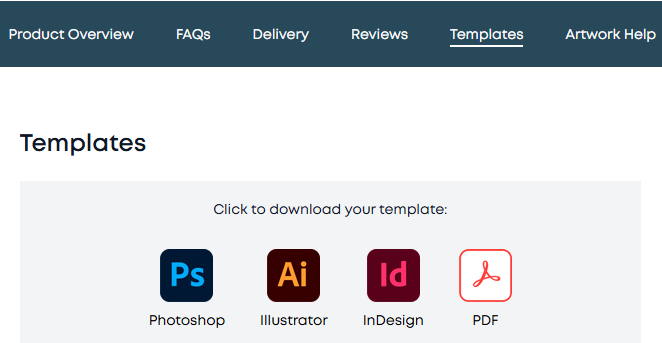
- On the product page, look for the downloadable templates.
- Select your preferred file format, so you can choose the one that works best with your design software.
- Open the template in your chosen design programme and add your artwork, keeping important text, logos and images within the safe area and following the template guides.
Prefer to design online?
You can also explore our free online design tool, where available, to create your design without needing to download a template. Choose your product options and follow the on-screen instructions to see the available design options.
Before placing your order, make sure your artwork matches the template dimensions and includes any required bleed. Once you've uploaded your artwork, carefully review your digital proof and approve it only when you're happy that everything looks correct.
Need help?
Our Live Chat Assistant can guide you through finding the correct presentation folder template, choosing a suitable file format, navigating the online design tool and uploading your artwork. If you're unsure whether your design is set up correctly, ask for guidance before approving your proof.
Was this article helpful?
That’s Great!
Thank you for your feedback
Sorry! We couldn't be helpful
Thank you for your feedback
Feedback sent
We appreciate your effort and will try to fix the article